Tool Library
On Masso G3, every tool you call must be defined in the Tools section. The generated files hold a subroutine and a Load Tool program for each tool listed here, and nothing for any other tool number.
All Macros needs at least two tools in the list. With fewer, it is unavailable, and the box under the Macros control shows "At least two (2) defined tools are required to generate tool change macros." A new Solo profile starts with two tools: tool 1 in the Solo and tool 2 Manual.
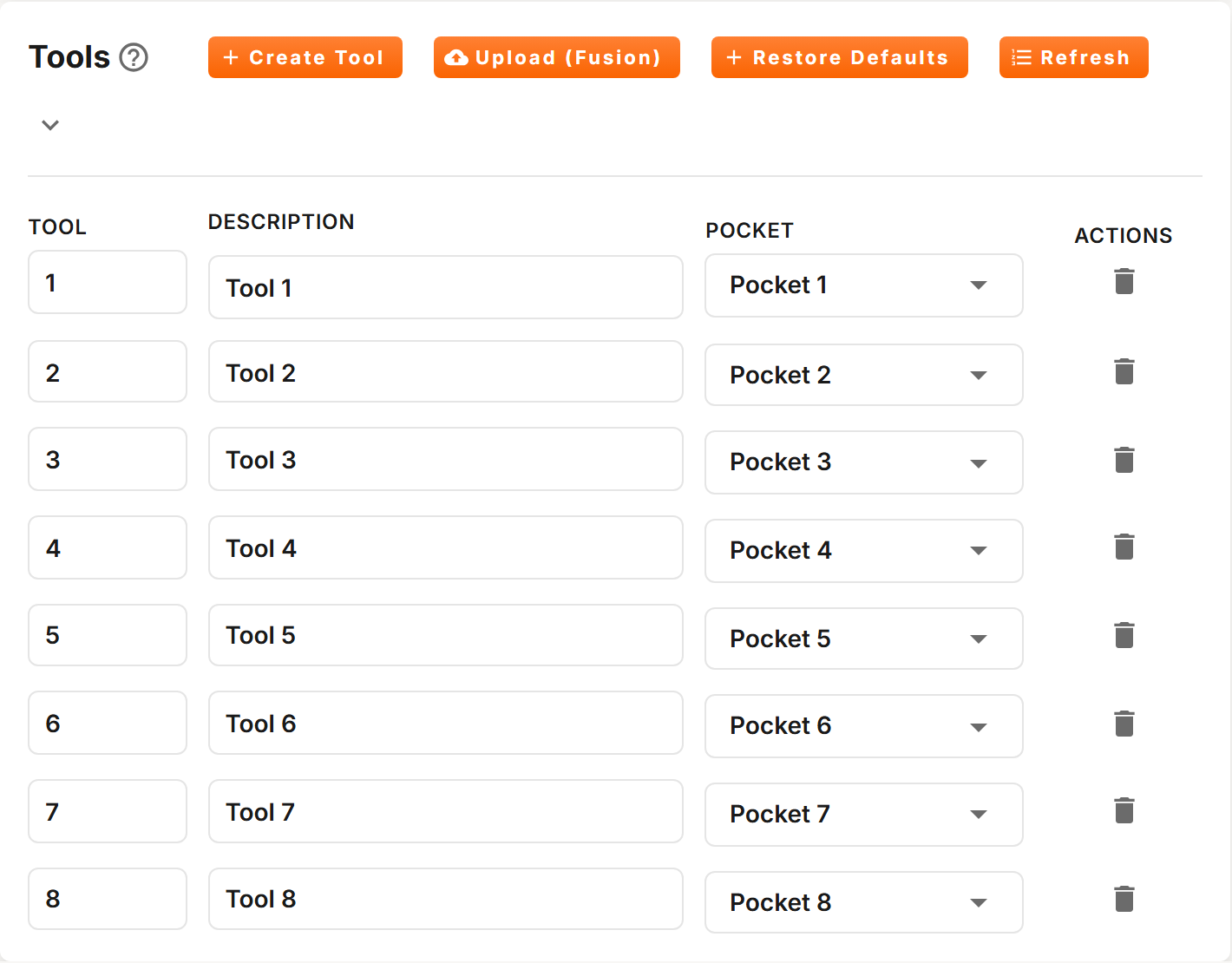
Actions
| Action | Description |
|---|---|
| Create Tool | Adds a tool at once, numbered one above the highest tool in the list, described as Tool and its number, with the pocket set to Manual. |
| Upload (Fusion) | Replaces the list with a tool library exported from Fusion, as a .tools or .json file. See below. |
| Restore Defaults | Profiles with a magazine only. Asks you to confirm, then sets one tool per pocket, tool 1 in pocket 1 and so on, and deletes every tool numbered above the pocket count. |
| Refresh | Reloads the list, in tool order. |
| Delete | The trash icon on a tool's row. Deletes that tool after you confirm. |
A new profile with a magazine starts with the default list: one tool per pocket.
Fields
| Field | Description |
|---|---|
| Tool | The tool number. Duplicate tool numbers are not allowed. |
| Description | A name to help you identify the tool. Up to 50 characters are saved. |
| Where the tool lives: Pocket 1 to the last pocket, or Manual. On a Solo profile: Solo or Manual. |
Changes save automatically.
Tool numbers
- Profiles with a magazine: 1 to 255.
- Solo profiles: 1 to the maximum the Tool Tracker's Tracking Mode allows: 7, 15 or 30. See Tool Tracker.
If you change a tool's number to one already in the list, or above the maximum, the change is refused and a message tells you why.
Pockets
On a profile with more than one magazine, the pockets are numbered on from one magazine to the next.
A tool in Manual is changed by hand. When a tool change unloads or loads one, the spindle rises to Z Clearance, moves to the Manual Position, and the tool change stops with a message such as "Manual load, cycle start". Change the tool, then press cycle start to continue.
More than one tool may be assigned to the same pocket, so that a pocket can hold different tools in different programs. Do not call two tools that share a pocket in the same program: the tool change treats them as the same tool, and changing from one to the other does nothing.
Upload (Fusion)
Export your tool library from Fusion and upload the file, in .tools or .json format.
- Each tool's number comes from its post processor number in Fusion.
- Its pocket comes from its turret number: 0 is Manual, and 1 onwards are the pockets of the first magazine.
- Descriptions are cut to 50 characters.
The upload replaces the whole list. Tools that are not in the file are deleted.
Solo Profiles
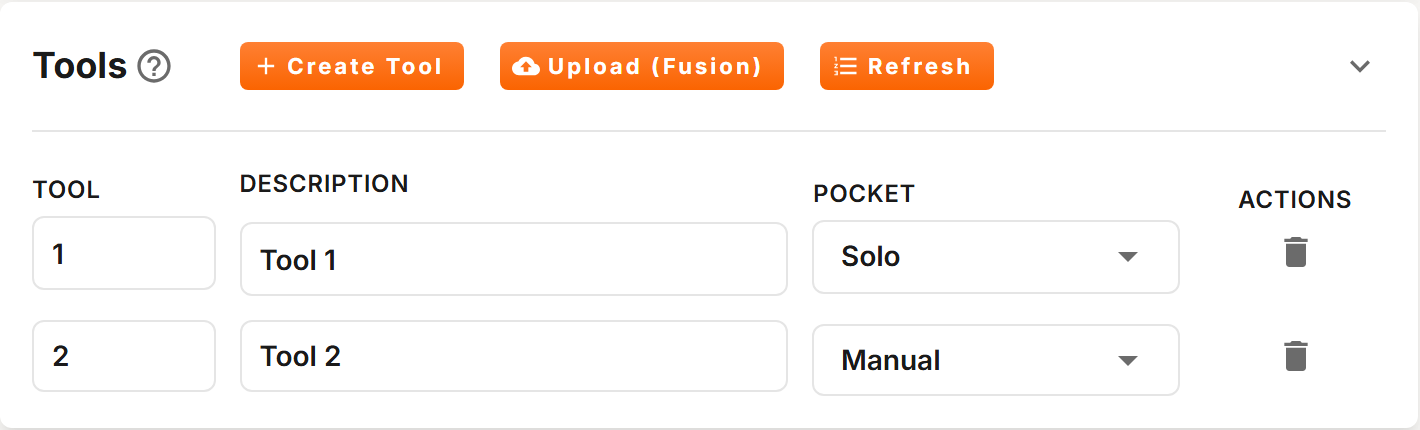
On a Solo profile, the Solo holds one tool at a time. Assign the tool you want changed through the Solo to Solo, and every other tool to Manual.