Move Heights
The Move Heights section sets the Z heights used for travel in X and Y during a tool change.
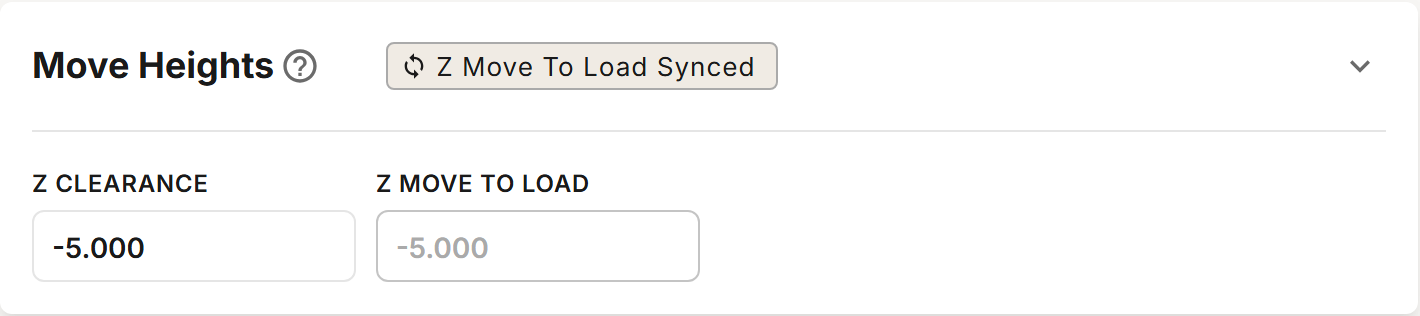
Fields
| Field | Description |
|---|---|
| Z Clearance | The MACHINE COORDINATE Z at which the spindle clears all obstacles. It is common practice to set this to the top of Z travel. Every move in X and Y during a tool change is made at this height, except the one Z Move To Load sets. The move to the tool setter is always made at this height. |
| Z Move To Load | The height for moving in X and Y from the pocket of an unloaded tool to the pocket of the tool being loaded. Follows Z Clearance while synced. |
Z Move To Load may not be higher than Z Clearance. When no tool is unloaded first, or a tool is unloaded by hand, the move to the pocket of the tool being loaded is made at Z Clearance.
Synced / Overridden
The chip in the section's header reads Z Move To Load Synced or Z Move To Load Overridden.
While it reads Synced, Z Move To Load cannot be edited and is saved as Z Clearance. Click the chip to change it to Overridden and enter your own height. A new profile starts with it Synced.
Keep Z Move To Load synced to Z Clearance until you are comfortable with the tool change and confident that everything is working as expected.
Solo Profiles
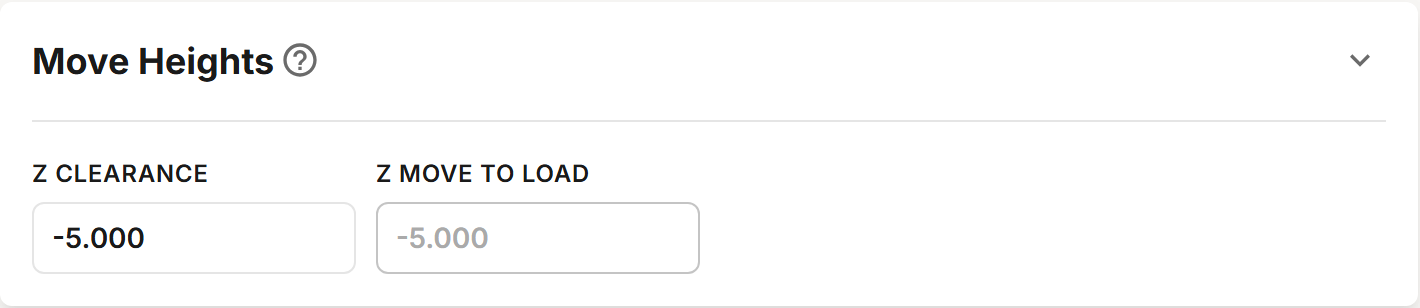
A Solo profile has no chip. Z Move To Load is shown for reference only and cannot be edited: with a Solo, every move in X and Y is made at Z Clearance.