Macros
Profile Section
Errors
When an error is detected in your profile, macro generation is disabled for all macros.
Hover over the  tag to view information about the offending error.

Macros
Make sure you set the messages to print in the console by entering "$534=1" into the console and hit enter. Macros need to be copied to the root directory on the SD card in the SLB. SD cards with 32Gb are the max and is is recommended to use an SD card with less Gb. If you replace the SD card while the SLB has already been powered up you will need to mount it by entering "$FM" in the console and hit enter. To verify that Gsender is reading the macros enter "$F+" into the console hit enter and it should read out the files on the SD card.
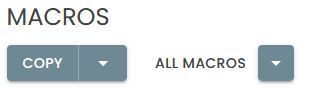
Copy
there are no files to copy for the Solo
Download
Clicking DOWNLOAD generates the programs and subroutines and then downloads a zipped folder containing the selected generation package. The folder must be unzipped before uploading to your SienciHAL controller.
Export
Clicking EXPORT generates the programs and subroutines and places them unzipped into a local directory.
If your browser does not support the export operation, the option will not appear on your screen.
Generation
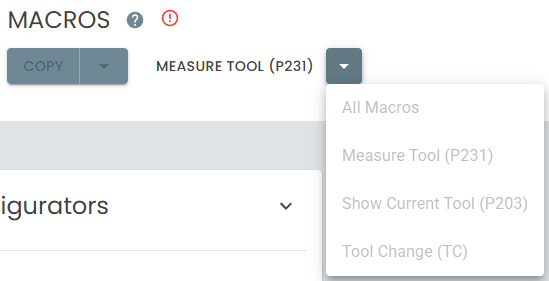
- Tool Change (TC.macro) - Loads the selected tool, unloading the current tool as required.
Usage:
T1 M6loads Tool 1. - Open Cover (P208.macro) - Opens the dust cover.
Usage
G65 P208 - Close Cover (P209.macro) - Closes the dust cover.
Usage
G65 P209 - Measure Tool (P231.macro) - Execute tool measurement for the currently loaded tool.
Usage
G65 P231