Manual Position
The manual position is where the spindle goes for you to load or unload a manual tool by hand: a tool that has no place in your magazine.
On an automatic tool change profile, a tool with no pocket in your magazine is a manual tool. Unless your profile has a Tools section, that is any tool number above the number of pockets. On a Solo profile, the manual tools are the tools listed in Manual Tools (Tools on some controllers), and every other tool is changed through the Solo.
Profile Section
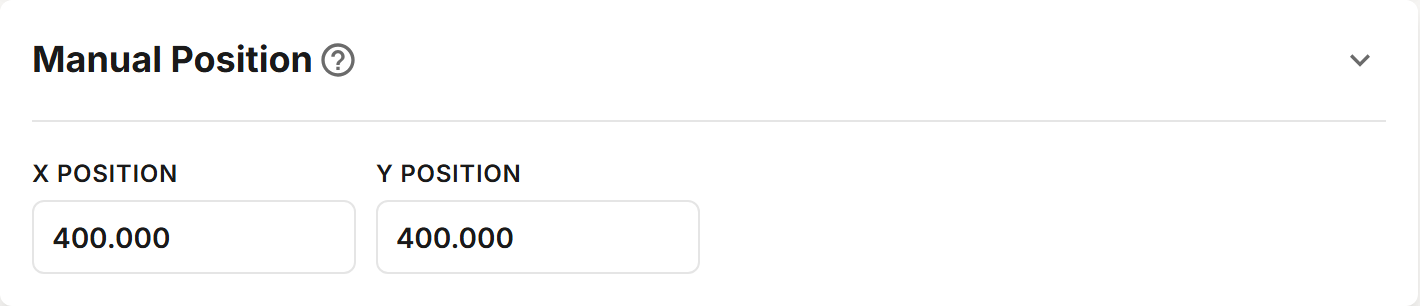
Fields
| Field | Description |
|---|---|
| X Position | MACHINE COORDINATE X where tools are loaded and unloaded by hand. |
| Y Position | MACHINE COORDINATE Y where tools are loaded and unloaded by hand. |
When a manual tool is loaded or unloaded, the spindle moves to this X and Y and the tool change waits with a message until you continue.